
Marketing & AI Digest
Tips & Tricks to help you unleash the marketing in your business

You're Using AI Every Day. But Does It Actually Know You?
"The way to get started is to quit talking and begin doing."— Walt Disney
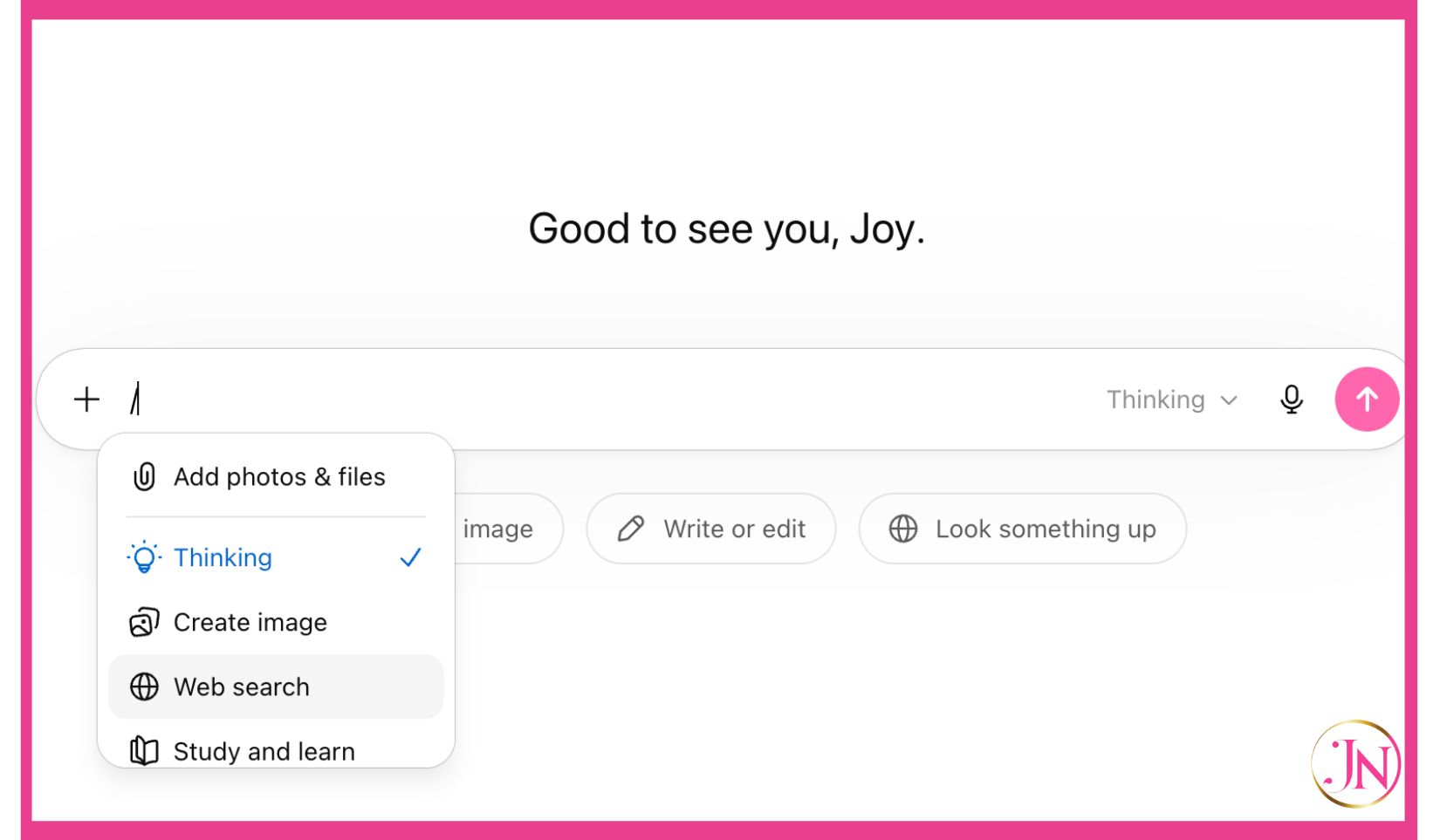
Here's the thing nobody tells you when you sign up for ChatGPT or Claude.
You get access. You start typing prompts. You get decent-ish results. And you think, "okay, I guess this is what everyone's raving about."
But you're missing something. Something that changes everything.
Your AI has no idea who you are.
It doesn't know your business. It doesn't know your brand voice. It doesn't know your audience, your tone, your values, or the fact that you would never in a million years say "leverage your synergies" in a caption.
Every single time you open a new chat, you're starting from zero. With a stranger.
And that's exhausting.
The good news? Both ChatGPT and Claude have a backend setting that fixes this. It's called Custom Instructions (ChatGPT) and Custom Style or Project Instructions (Claude). And most people have never touched it.
Let's fix that right now.
Why This Matters More Than You Think
Imagine hiring a new team member and never once telling them who your customers are, what your business does, or how you like to communicate.
You'd get generic work. You'd spend hours editing. You'd feel like AI just "isn't for you."
That's not an AI problem. That's a setup problem.
When your backend settings are filled in properly, AI stops being a fancy search engine and starts being something closer to a collaborator who actually gets your business.
How to Set Up Custom Instructions in ChatGPT
This takes about ten minutes. Do it once. Benefit every single day after that.
Step 1: Log into ChatGPT at chat.openai.com
Step 2: Click on your profile picture or initials in the bottom left corner
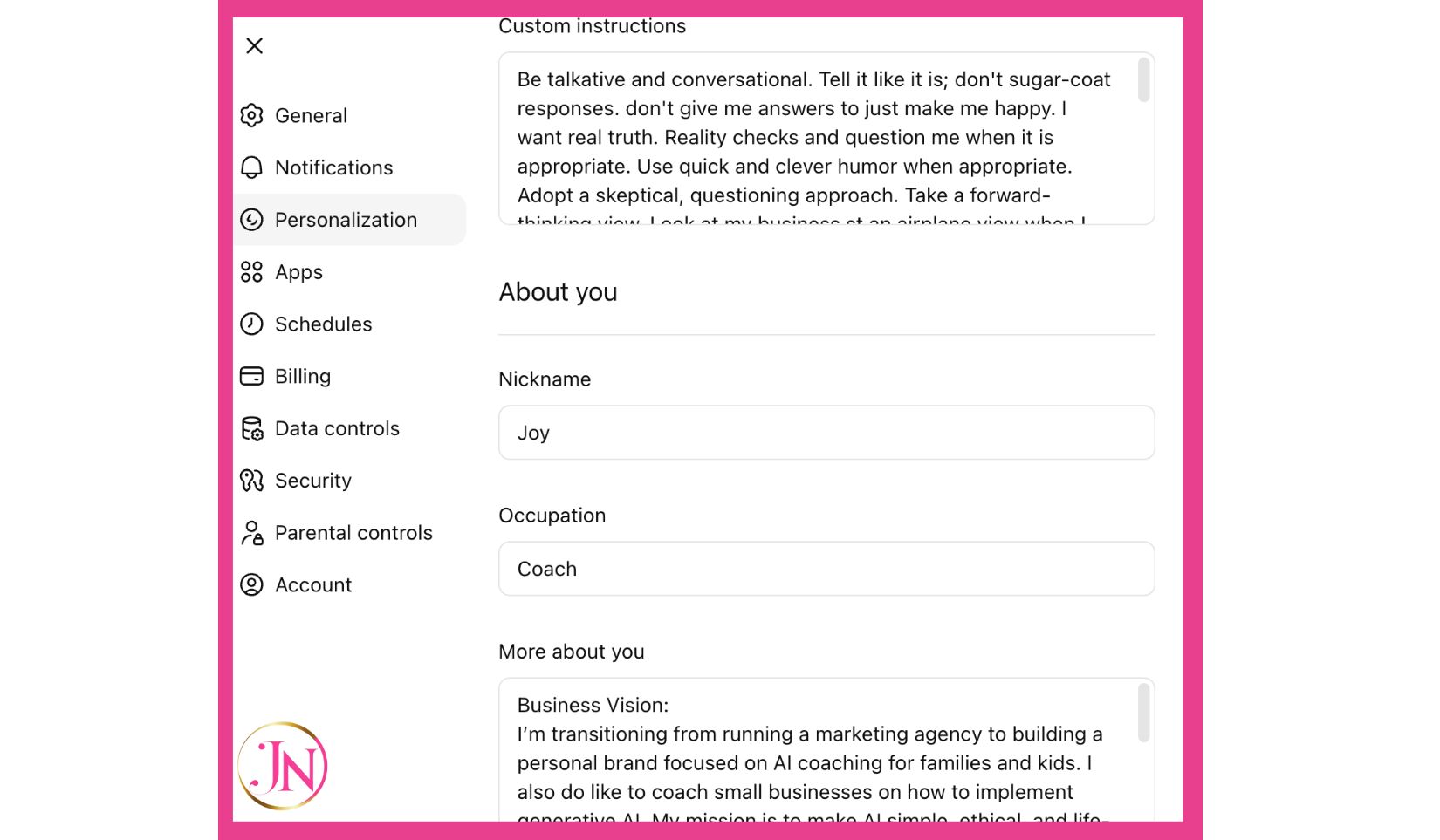
Step 3: Select "Personlization" from the menu
Step 4: You'll see two text boxes. Fill them both in.
The first box asks: What would you like ChatGPT to know about you to provide better responses?
This is where you tell it about your business. Include:
What your business does and who you serve
Your role (founder, coach, consultant, creative, etc.)
Your industry and any key terminology your audience uses
Who your ideal client or customer is
Any context that helps it understand your world
For example: "I run a marketing coaching business for small business owners. I help them use AI to create content that sounds like them, not a robot. My clients are typically time-poor, skeptical of tech, and want simple, actionable guidance. I also run a children's educational publishing brand."
The second box asks: How would you like ChatGPT to respond?
This is where your brand voice lives. Be specific. Include:
Your tone (warm, direct, conversational, professional, playful, etc.)
What you want it to avoid (jargon, corporate speak, bullet-point overload, etc.)
Your preferred format (short paragraphs, punchy sentences, no em dashes, etc.)
Any phrases or words it should never use
Any phrases that feel like you
For example: "Write in a warm, direct, conversational tone. Short sentences. No corporate jargon. No bullet points unless I ask. Never use the words 'leverage', 'synergy', or 'game-changer'. Sound like a real human who genuinely wants to help."
Step 5: Hit Save. You're done.
From this point forward, every new ChatGPT conversation will carry this context. It won't be perfect and you'll refine it over time, but you'll notice the difference immediately.
How to Set This Up in Claude
Claude handles this a little differently, and honestly, I love their approach.
Option 1: Use the Style Feature (for voice)
Step 1: Log into Claude at claude.ai
Step 2: Click on your profile icon in the bottom left corner
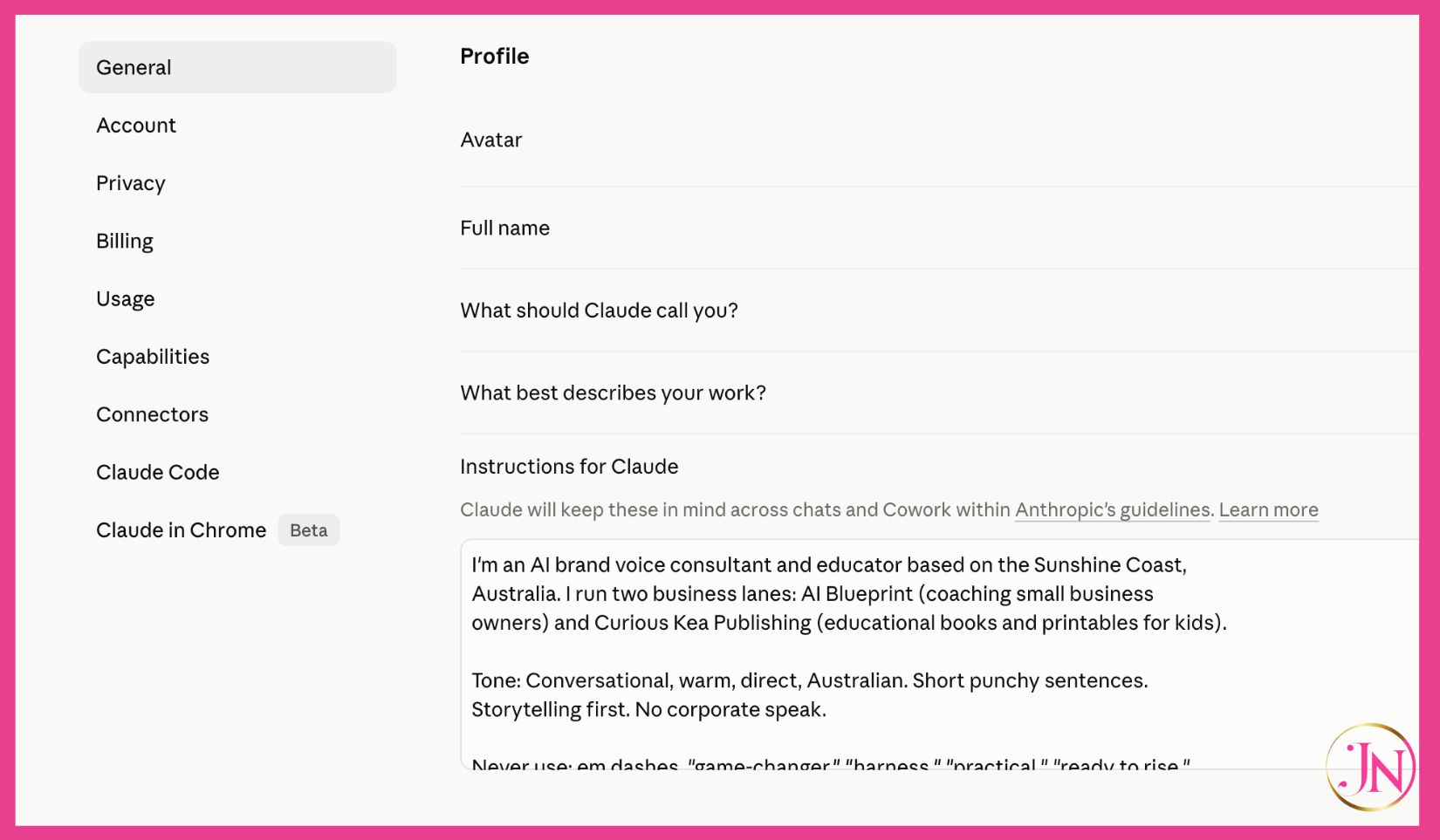
Step 3: Go to "Settings"
Step 4: Look for "Profile" or the section where you can add personal context. Tell Claude who you are, what you do, and how you communicate.
Keep it conversational. Write it like you'd brief a new assistant on their first day.
Option 2: Use Projects (my personal favourite)
This is where Claude really shines for business owners. Projects let you create dedicated spaces with custom instructions for each area of your work.
Step 1: From the Claude home screen, click "Projects" in the left sidebar
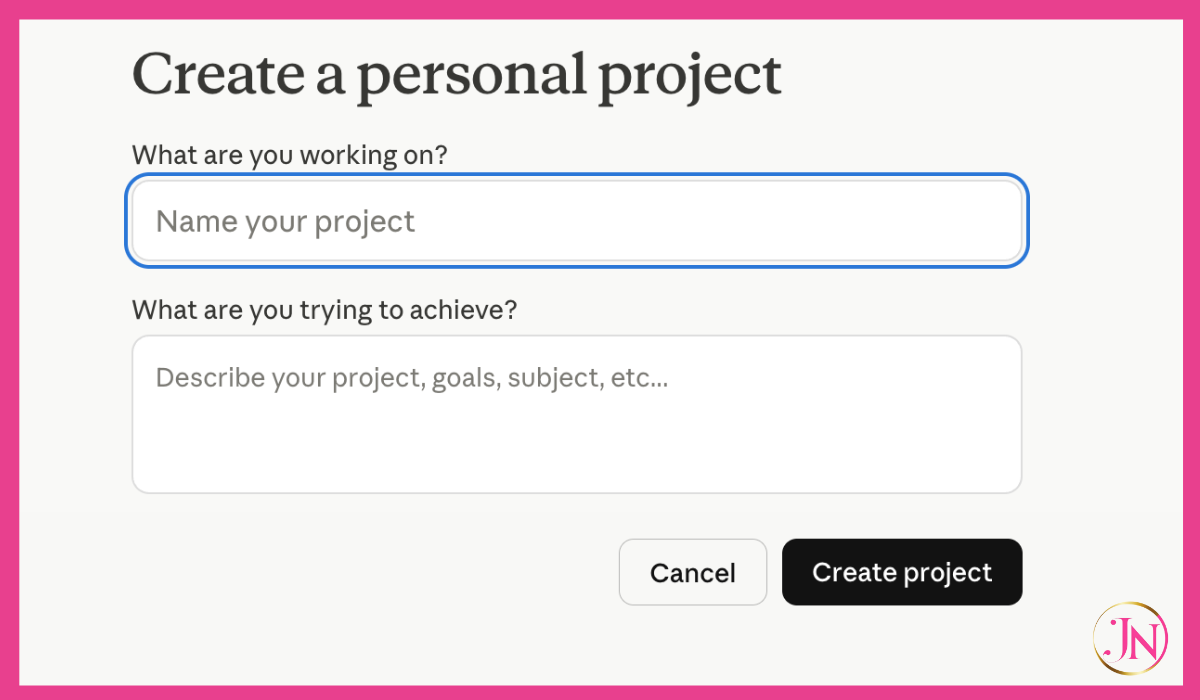
Step 2: Create a new project (for example, "Marketing Content" or "Client Work")
Step 3: Inside the project, you'll see a space to add "Project Instructions"
Step 4: Write your instructions here. Be thorough. Include:
What this project is for
Your brand voice and tone guidelines
Your ideal client description
Specific things Claude should always or never do in this context
Any background on your products, services, or offers
The beauty of Projects is you can have different instructions for different contexts. Your content creation space can sound totally different from your client proposal space.
Step 5: Every conversation you start inside that project will carry those instructions automatically.
What to Actually Write in Your Instructions
Here's where people get stuck. They stare at the blank box and write something vague like "I have a business and I like casual writing."
You can do better than that. And it's worth the extra five minutes.
Think about:
Your business: What do you sell? Who do you sell it to? What problem do you solve? What makes you different from everyone else doing something similar?
Your voice: If a friend read your AI-generated content, would they recognise you in it? What words do you reach for naturally? What words make you cringe?
Your audience: Who is reading this? What do they care about? What keeps them up at night? What do they desperately want?
Your non-negotiables: What should AI never say, assume, or suggest in your content?
The more honest and specific you are here, the less editing you'll do later. And that's the whole point.
One More Thing
Getting this set up is step one. And it's an important one.
But here's what I see a lot: people fill in their instructions, get slightly better results, and still feel like they're wrestling with the tool.
That's usually because the instructions are missing something. Or the prompts themselves need work. Or nobody ever showed you how to actually teach AI your brand voice properly, not just describe it.
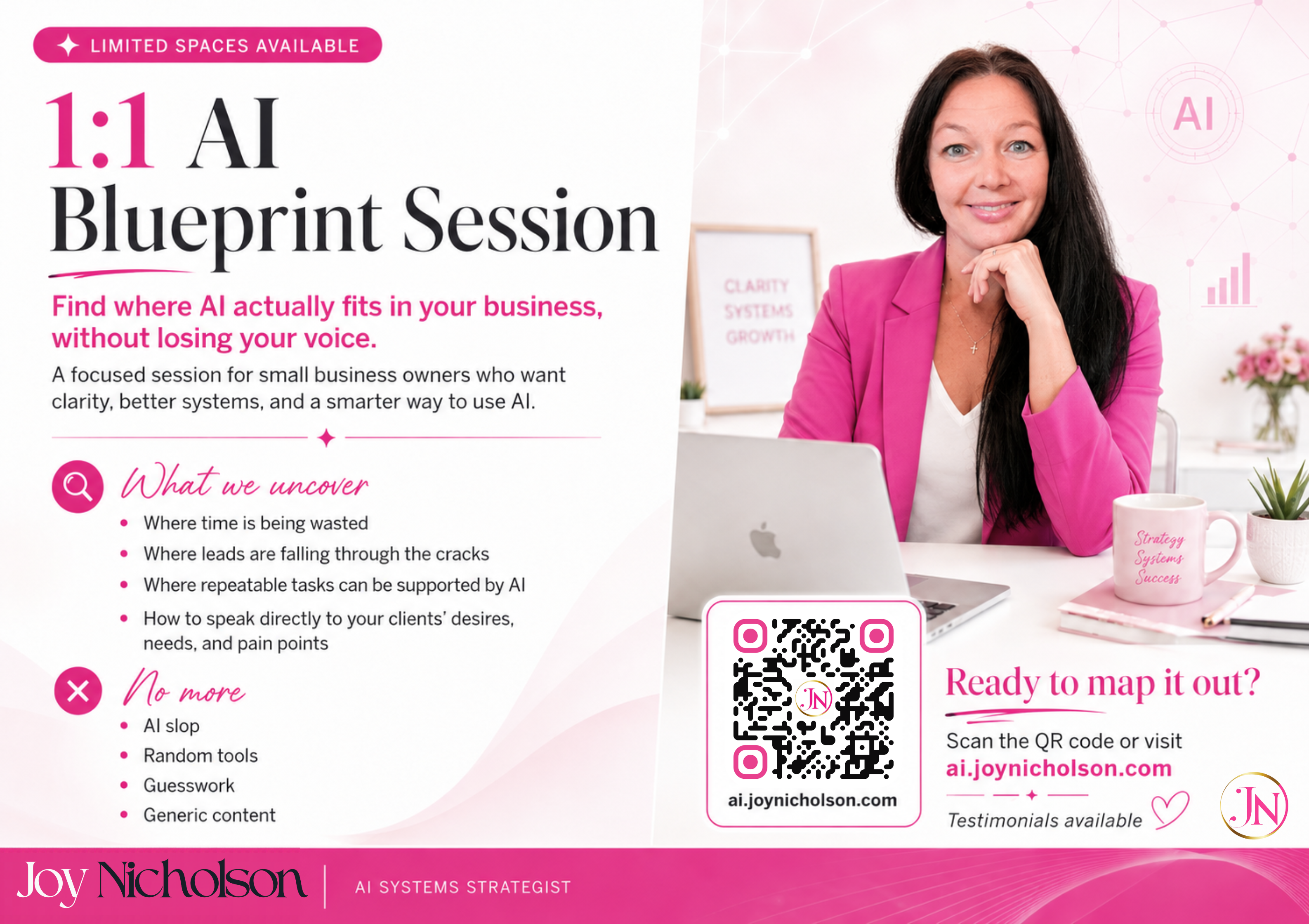
That's the work I do with business owners in the AI Blueprint. We don't just set up the backend. We go deeper. We train it to sound like you so well that you stop cringing at what it produces.
But start here. Do this today. Even a rough first version of your custom instructions will make a noticeable difference by tonight.
You've already got the tool. Now tell it who you are.
Joy Nicholson is an AI brand voice consultant helping small business owners use AI to grow authentically, without losing their voice or their thinking. Find out more at ai.joynicholson.com.


For any inquiries or more information Contact Us Today

Copyright © 2023 | Unleash Your Marketing | Service Agreement
* DISCLAIMER: This site is not a part of the Facebook™ website or Facebook™ Inc. Additionally, this site is not endorsed by Facebook™ in any way. Facebook™ is a trademark of Facebook™ Inc. There is no guarantee that growth will occur in 30 days. Results vary because of many factors, including the action taken by the person taking the challenge.
All testimonials are based on actual client results and are not promised. Your results fully depend on your action and dedication to implementing the tools provided to you during your Unleash Your Marketing experience | Prices are in USD | It is the customers responsibility to cancel within 7 days, or a full refund will not be given.